Ubuntu is a Linux distribution developed by Canonical.
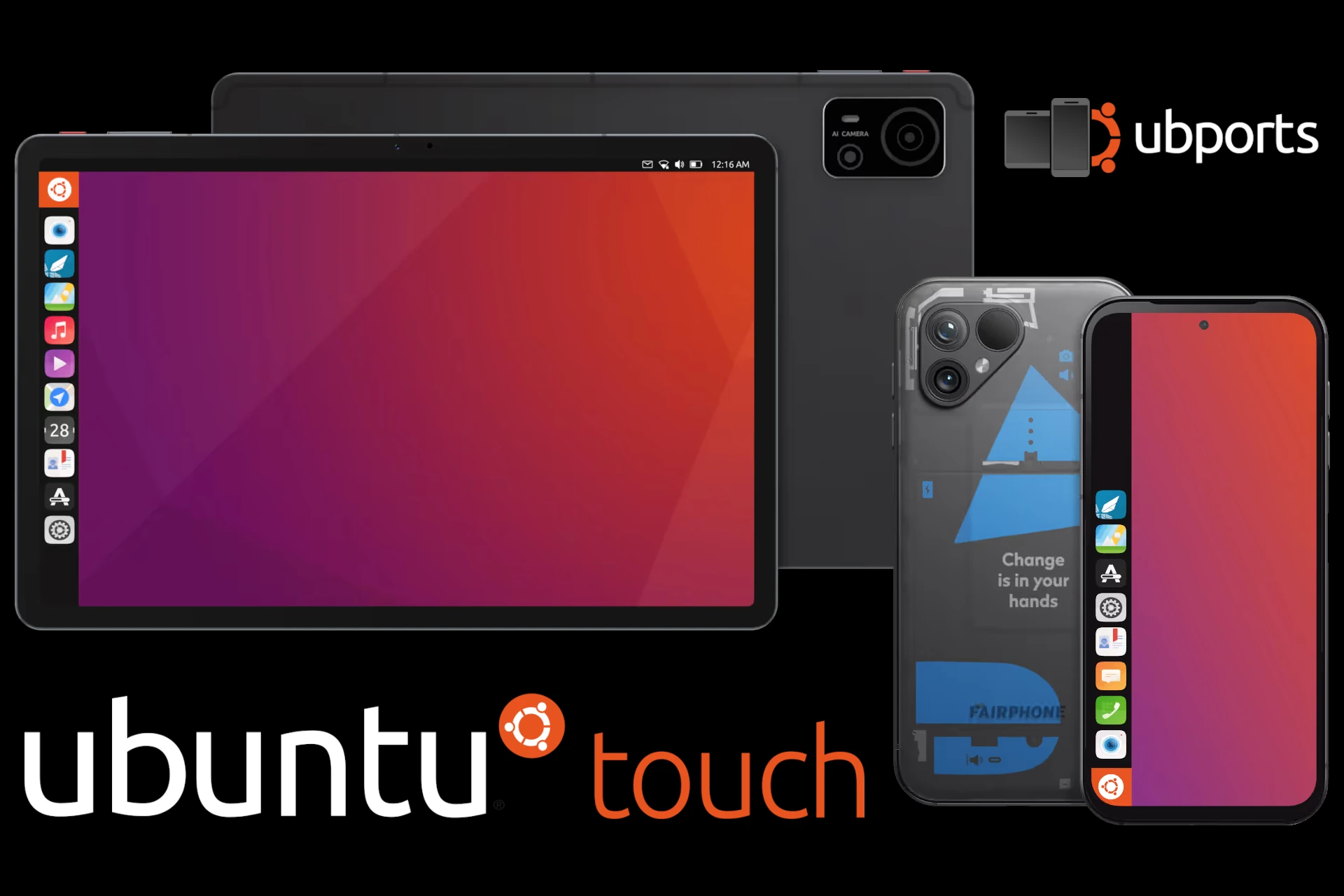
Ubuntu Touch is a mobile version of Ubuntu. The project was launched in 2013 with the goal of convergence, for a unified user experience: the same operating system running on smartphones and tablets, and—when connected to an external display—like a desktop computer.
In 2017, Canonical ended support for Ubuntu Touch. The project continues to be developed by the UBports community, a group of volunteers organized as a charitable foundation.
Compatible Devices
The list of devices compatible with Ubuntu Touch is available on the UBports website. The number is limited, but certain models—such as the Fairphone 4 and 5 or the Google Pixel 3a and 3a XL—work perfectly, with smoothness and stability comparable to the original Android system.
Installing the system requires a few steps. You generally need to unlock the bootloader and sometimes install a specific version of Android first. These are the two most complicated steps, but everything is clearly explained on the UBports page mentioned above. After that, installing Ubuntu Touch is very simple using the UBports Installer: just connect the device and follow the instructions.
There’s also a German manufacturer, Volla, that lets you choose Ubuntu Touch as the pre-installed operating system for its smartphones and tablets.
Available Apps
Apps developed for Ubuntu Touch are available on the OpenStore. Although the catalog isn’t comparable to the number of apps available on Android, it includes the essentials for everyday use.
Furthermore, more and more websites today function as full-fledged apps. A tool like Webber lets you create shortcuts to web pages (webmail, dictionary, translator, weather forecasts, etc.) with just a few clicks and integrate them into the system alongside other apps. This solution helps address the shortcomings of the OpenStore.
It's also possible to run Android apps using Waydroid, which installs very easily via Waydroid Helper. This gives you a full-fledged Android system that runs within Ubuntu Touch (in a container). The two systems coexist, and you can switch between them without restarting the phone. This solution works well for connected devices controlled via a specific app, such as a printer, a speaker, or a network audio player (streamer). Unfortunately, some apps do not work with Waydroid, particularly banking apps. To our knowledge, there is no up-to-date list of compatible apps: you’ll have to test them yourself.
Technical Limitations
The development of open-source systems for mobile devices is hampered by the lack of drivers needed to make the hardware work. Manufacturers generally do not publish either the technical specifications of the hardware or the source code for the drivers. This is particularly true for Apple devices, whose iOS system is, moreover, quite different from Linux. On the Android side, drivers are designed to work with a specific, modified version of the Linux kernel. These drivers generally do not work as-is with a standard Linux kernel. This makes it difficult to install Linux or limits its use if essential components such as the screen, modem, camera, or GPS do not function.
The collaborative project Halium offers a software solution to this problem. It provides a hardware abstraction layer to run GNU/Linux on mobile devices running Android. Simply put, Halium allows Ubuntu Touch (and other projects) to use the original Android drivers. But this solution has drawbacks. It continues to use a modified, outdated version of the Linux kernel as well as non-free (non-libre)1 drivers, with no guarantee of privacy (just like with Android). And we end up with outdated drivers, leaving us vulnerable to security flaws. This is because phone and tablet manufacturers, who are focused on selling new models, see little value in updating drivers for very long and thus quickly render the hardware obsolete.
Nevertheless, being able to use a different system is a gain in freedom. Ubuntu Touch is one of the few alternatives. The UBports team has been doing pioneering work for about a decade, helping to liberate mobile devices. Feel free to support them.
Conclusion
If you want to avoid using Google and its Android system, try Ubuntu Touch! Start by finding a compatible device on the official website and follow the instructions. You can refer to the project documentation and ask for help on the community forum.
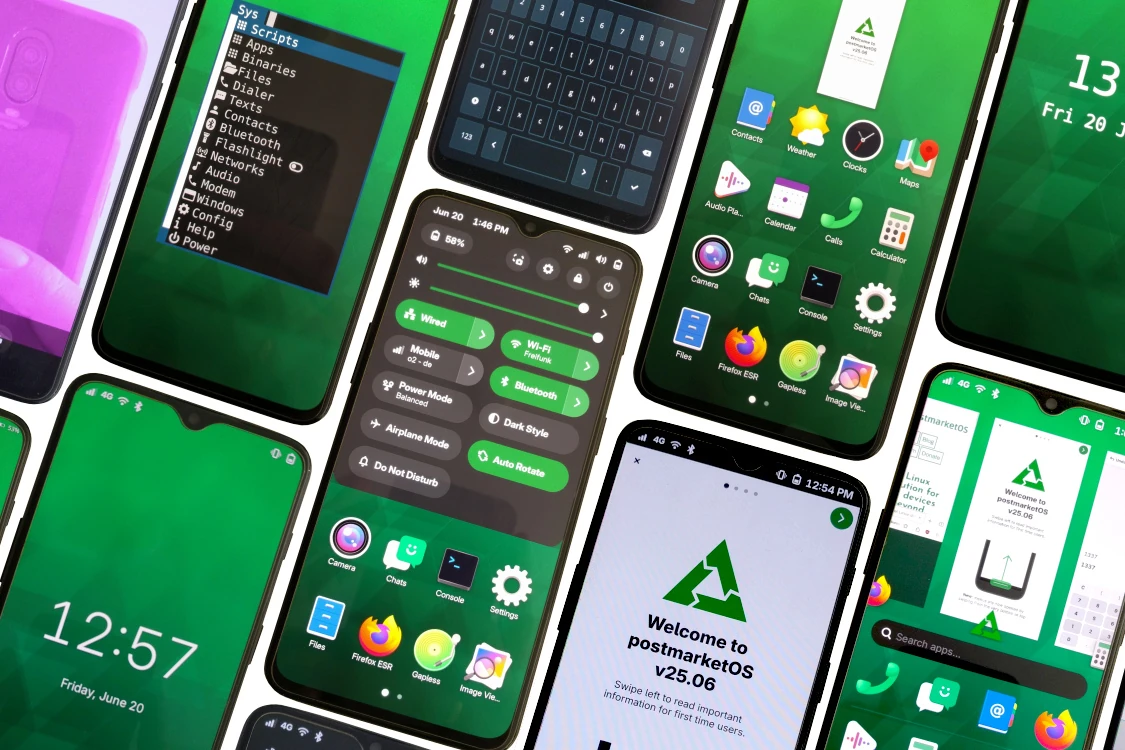
If you’re looking for a 100% free (libre) system, check out postmarketOS as well!
-
The adjective free in English is commonly used in one of two meanings: "at no monetary cost" (gratis) or "with little or no restriction" (libre). This ambiguity can cause issues where the distinction is important, that is why we use "(libre)" alongside free. Richard Stallman, advocate of free software and founder of GNU, recommends using the slogan: "Think free as in free speech, not free beer." This basically means: "Think free as in libre, not gratis." (from Wikipedia) ↩